Updated on September 30th, 2026
AD – PR Product | If you want to start a blog, it may be difficult to figure out where to begin with planning your posts. In this post, I wanted to share how I used the Mål Paper Daily Goal Setter Planner to get back on track with blogging and planning my blog posts.
Set Your Goals
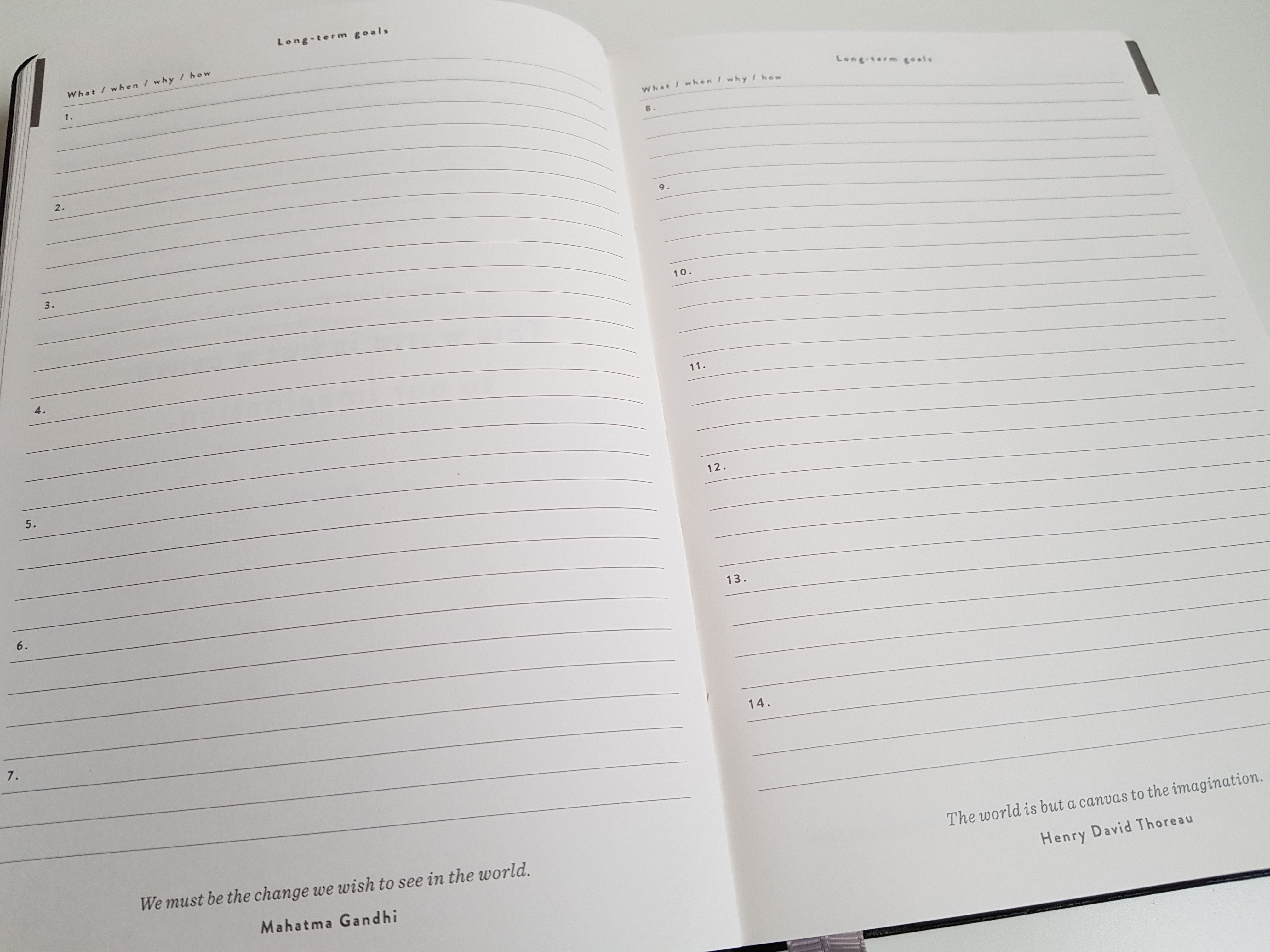
The first step to planning your posts is to set a goal of how many posts you want to publish within a week or month. You can publish posts once or twice a week or even more, every other week, or once a month depending on what fits with your schedule. For keeping track of your goals, the Mål Paper Daily Goal Setter Planner is great. With the planner, you can include your blogging goals as well as non-blogging-related long-, medium-, and short-term goals such as finishing school assignments, reading a certain number of books each month, cleaning your home, or crossing off an item on your bucket list such as my 30 Things To Do Before Turning 30 list.
The planner is £21.95 and has 274 pages with undated dates. Therefore, you can start using it at any time. The planner also has space to write 3 things you are grateful for each day, and you can use it as both a goal planner and a gratitude journal.
Plan Your Schedule
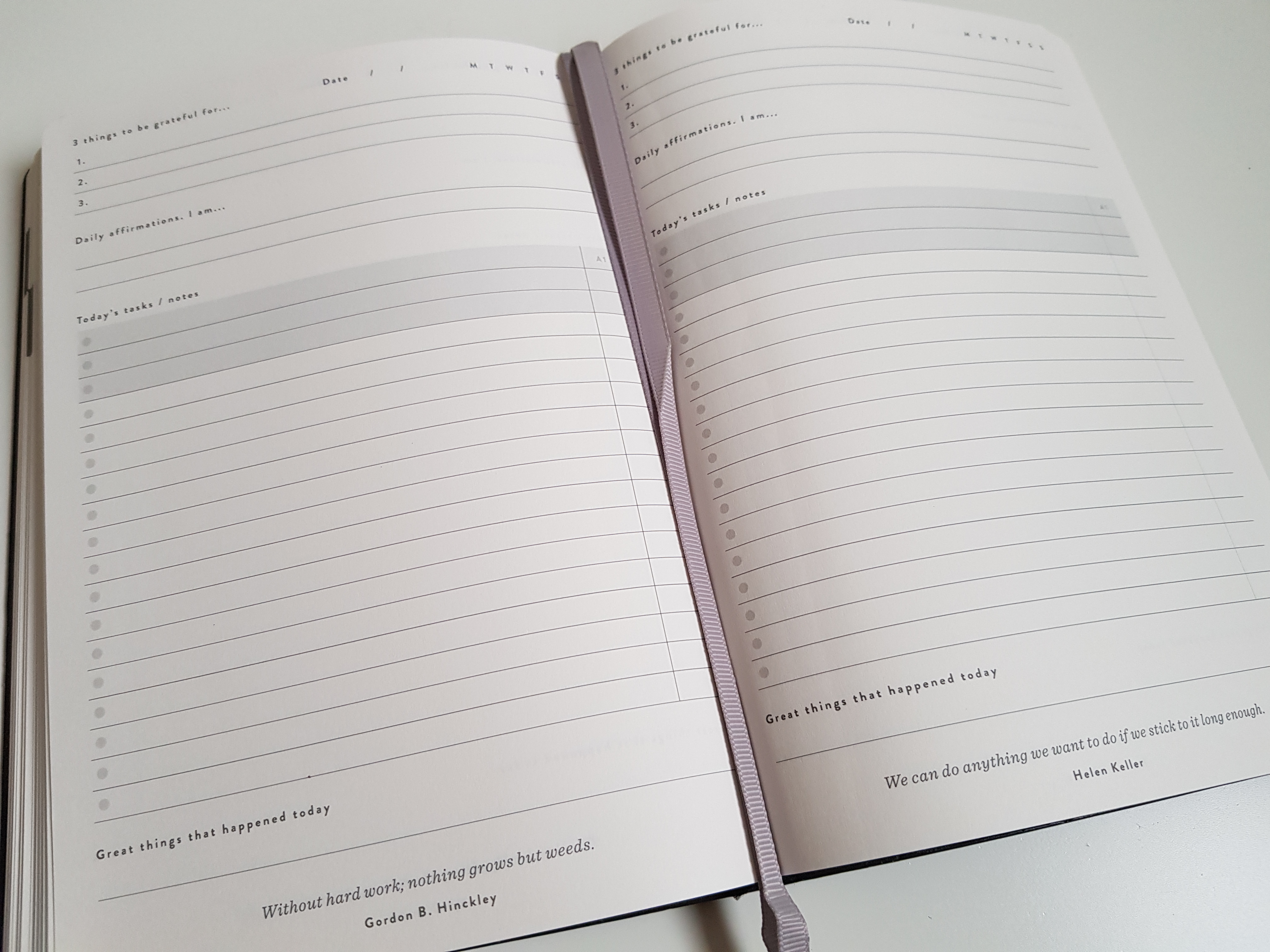
Now that you have your goal of how often you want to post, it helps to schedule when to work on writing the post, editing it, taking photos, creating graphics such as the featured image, publishing the post, and promoting your post. As I mentioned in my How To Find Time For Blogging post, I am both a mother and a full-time master’s student, and it helps to have a blogging schedule and not have to do everything at the last minute. It can be difficult and stressful to complete all the blogging tasks in one day, but with the Mål Paper planner, you can easily plan your days, weeks, and months in advance. I also want to mention that it is okay to not always stick to a schedule because life happens, but having a schedule can help reduce stress.
Brainstorm Blog Post Topics
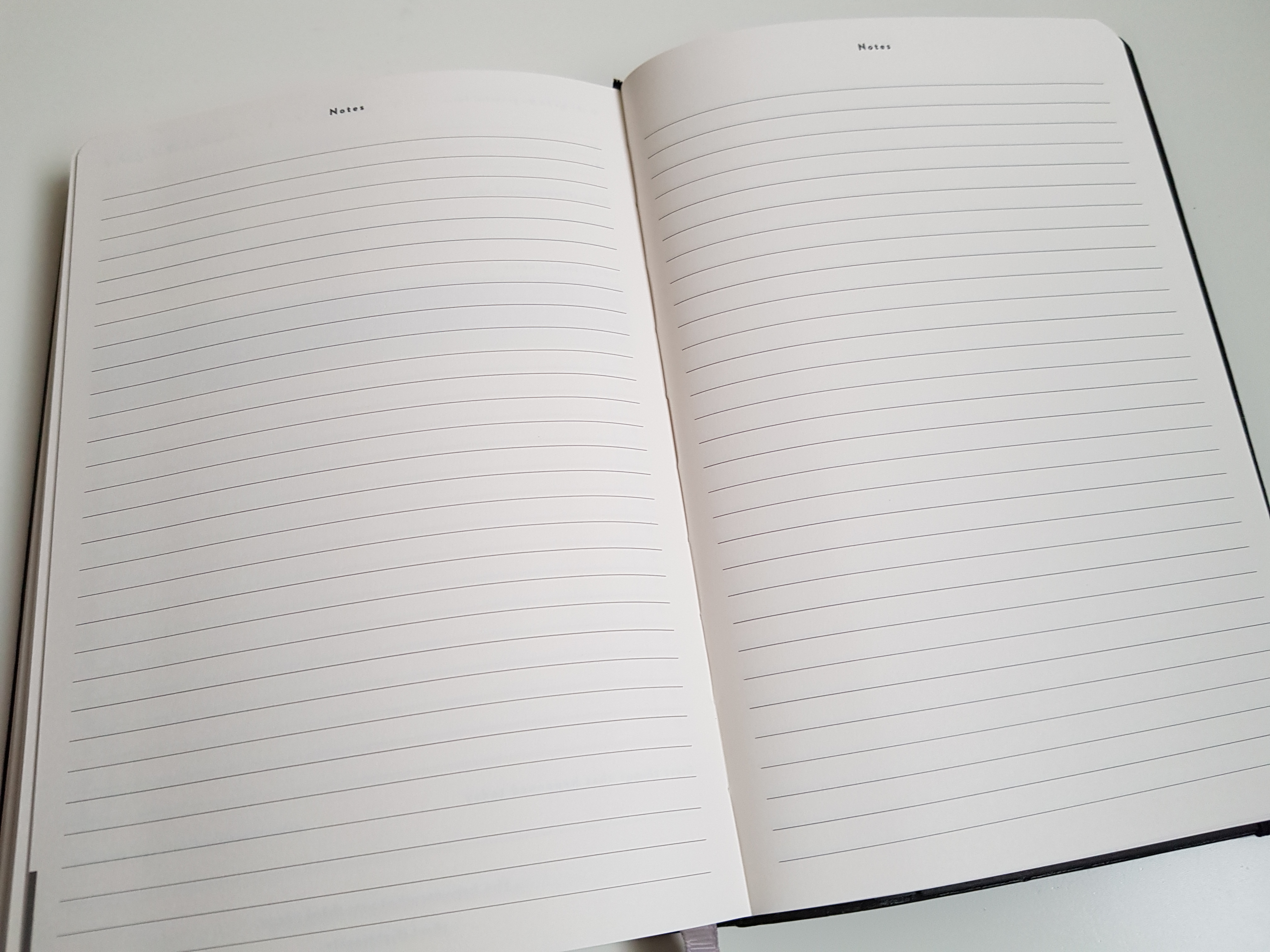
I like to keep a list of potential blog post topics in the notes app on my phone, and you can also have a list on your computer, tablet, journal, or the notes section of the Mål Paper planner. You can write down your ideas whenever they come to you, and you can look at your older blog posts to write a follow-up or turn that post into a series. You can look at blog post idea lists such as my 125 Beauty, Books, and Lifestyle Blog Post Ideas.
Also, you can look at what other bloggers are writing about, but remember it is okay to be inspired by other bloggers, but it is never okay to copy them. You can look on YouTube and social media, or you can consider what holidays are coming up and posts you could write about that. For example, for Christmas, I published my Christmas Gift Guide for Kids. Hopefully, by having a brainstorming list of blog post topics, you can come back to the list when you are trying to figure out what to write next.
Outline Your Post
When I sit down to write a post, I find making an outline first helps. I include the main points of the post I want to address without worrying about writing complete and grammatically correct sentences. Once I have my main points down, I then go back and write in complete sentences.
Edit and Publish Your Post
After I have written a post, I go back and edit it by reading through the post to see if it makes sense, running the post through a grammar checker, creating the featured and Pinterest images using either royalty-free photos or photos I took myself, ensuring I have the correct headings, double-checking everything again, and finally publishing the post. For recommendations on grammar checkers, royalty-free stock photo sites, and other blog resources, you can check out my The Best Free + Paid Blogging Resources post.
Promote Your Post and Repeat
Blogging does not end with hitting the publish button, and it is important to promote your post as well. If you are using WordPress, the WordPress Reader can be helpful for other WordPress users to see your post, but what about others who do not use WordPress? In my How to Promote Your Blog for Free post, I include ways you can promote your posts on social media and through collaborations with other bloggers.
You can also look into advertising with other bloggers for a month, as they often have monthly ‘Meet the Advertisers’ posts where they link to several of your blog posts. While promoting your post, you can start the process over again and pick a topic from your brainstorming list or brainstorm for more ideas for your next post. Also, if you find that your schedule is not working for you or you need to adjust your goal of how often you post, you can change that as well.
That planner looks great! Honestly, i would be lost without lists and planning, so I usually jot down one for the day, the week and the month, so that I keep up with writing and the blog! I jot down whichever ideas I have for a post and then get back to them, thanks for sharing x
I’m currently around 3 months ahead of my blog posts I spend ALOT of time brainstorming ideas in advance and then just writing from them! I think the planner sounds like a great idea x
That’s amazing you’re so far ahead with blog posts! At the beginning of each month I plan out my posts, but I often don’t write them until that week.
Such a helpful post! I usually have a big brainstorming session and then like you I outline my posts before writing them x
Love this post! I am so horrible with planners but I still always get a few each year haha. This one looks super sleek and modern. Love it. Thanks for sharing xx
Lynn | http://www.lynnmumbingmejia.com
Thank you! I’m not the best at using planners, but I’m getting better & I love this one!
These tips are useful. I would love to try them out one of these days. But for now, I use the Notion app in plotting my blogging schedule. It enables me to group all my blog post ideas and make a section of those which I already wrote or published. Somehow, it’s convenient since it is in my phone, which I bring always with me.
– Tina (https://totetallylegal.com/)
Thank you! Ooo I haven’t hear of that app before, but it does sound helpful with planning your blog posts!
You may want to give it a try. It has gained popularity amobg students because it is great for scheduling and taking notes. But personally, I find it applicable to content creators, like us, too.
I’m a master’s student too so it definitely seems helpful haha
I’m a big fan of planning my blog posts – I put it all into a table and tick off when I’ve written them and done pictures etc 😂
That’s great you plan your posts & having everything in a table definitely seems helpful!
I really need to start planning my new content better. I already have good schedule for updating old content and I find it important to stay on top of it. New content is always harder. I would typically draft a couple of posts and choose one that feels the most relevant. But planning would definitely be more efficient. Thank you for the tips!
You’re welcome! That’s great you’re staying on top of updating old content, but it is helpful to have a plan for new content!
These are such great tips for planning out your blog posts! Thanks so much for sharing them!
You’re welcome!
Great tips here. Especially for new bloggers. I think it can definitely be a bit overwhelming when you have a ton of ideas but not sure where to start. The planner sounds fab!
Yes exactly! The planner is great!
Great tips, this is so useful to read! I usually use a planner and journal but I’m always looking for new methods, so thanks for sharing 🙂
Anika
Thank you! That’s great you normally use a planner & journal!
This is a really helpful post. I always plan my blog posts ahead of time using my blog schedule. Thank you for sharing your tips!
You’re welcome! That’s great you have a blog schedule!
As a blogger planning is something I really need to start doing. I have so many posts in my drafts that I need to get around to writing so a planner would be really useful for me to schedule the posts in advance!x
Yes planning is useful as a blogger & scheduling posts in advance would definitely be helpful!
That planer looks great! I use a bullet journal to plan my blog posts as I need quite a lot of space but this sounds amazing as an everyday planner x
Sophie
I would love to have a bullet journal, but I feel like it would take me too much time to plan out, but this planner is great for everyday!
When I initially started blogging my list looked similar to yours as to how I would plan my blog posts. It worked for a few weeks but of course, life throws curve balls and it’s easy to get off schedule.
Now, I really like to come up with a topic and jot a few notes and simply create. I still stick to a schedule and post 3 times a week. But I am still also “ok” and accepting when I fail at this. It’s perfectly fine. No need to stress.
xo Erica
That’s great you found what works for you & you can still stick to a schedule!
Exactly! Blogging shouldn’t be stressful & it’s okay when everything doesn’t go according to plan
I love this and the planner looks perfect! I usually map out the beginning of every month the kind of things I want to talk about and go from there xx
http://www.dellalovesnutella.co.uk/
Thank you & the planner is great!
Yes I do that too where I come up with the topics at the beginning of the month & what week I want to post them!
This is great, I have documents for blog post ideas, and for scheduling them out in advance etc., But lately I’ve been thinking I might prefer to have a physical journal that I can write in for this.
I wonder, is this planner specific for blogging? Or is it for general goal setting?
Thanks so much for the review!
That’s great you have documents for your ideas & for scheduling them!
This planner is for general goal setting, but you can use it for anything as there is a monthly calendar & planning, weekly review & the daily tasks sections
I always plan ahead and have a good idea of the content I’ll create before even sitting down at my laptop. I actually start the process of creating content by taking photos first. I am such a visual person and that really helps the posts to take shape around them!
Rosie
https://www.loverosiee.co.uk
That’s great you plan ahead & that’s interesting you take photos first!
Sometimes I’ll take photos first because I like to take them in bulk since it’s my least favorite part of blogging.
I have a little dotted page planner that I keep for my blog. As I usually only post once a week, it’s easier to keep track but I do have a checklist for photos, Canva, social promotions etc. Completely agree with keeping a note of everything though, I’d be lost without mine! x
That’s great you have a little planner for your blog & a checklist for blogging related tasks. It is definitely helpful!
I really want to get more organised with my blog so these tips were super helpful! 🙂
https://www.femaleoriginal.com
That’s great to hear they’re helpful!
I try to plan things ahead as well. It helps me feel better knowing I have a scheduled blog going up even when my normal life gets busy. I post 3 days a week with a day break in between and that means to work fine at the moment. Great post! I found this very helpful!
~ Brittany
Thank you! That’s great you plan ahead too! I started out with posting 3 days a week too, but right now once a week works for me.
Honestly as much as I would want to, I hardly plan things ahead. I did that in the past, but then real life stuff interfered and I wasn’t able to keep up. These days I do try to write posts in advance. I have now got about 6-7 posts ready to get published, and that helps too. But sometimes to no fault of my own, real life gets too busy. Which is why I’m not trying to stick to schedules anymore😊 Great post though, and I think it will be helpful to quite a lot of people 😊
That’s perfectly fine too to not stick to a schedule! You know what works for you & as you said, life can get busy. That’s amazing you had 6-7 posts ready!