Updated on October 7th, 2025
As a blogger, it can be challenging to figure out what blogging resources to use because you can feel bombarded by everything out there on the Internet. In this post, I will include recommendations for general resources and other resources to help with your blog design, posts, social media promotion, and monetization. You will be able to use all these resources regardless of whether you have a free WordPress plan, a blog on Blogger, or you are self-hosted, therefore, I will not include any WordPress plugins as recommendations.
This post contains affiliate links, which means I may earn a commission if you make a purchase through my links, but there is no extra cost to you.
Free
Design
Canva: Canva is my go-to website for creating my own graphics for my blog. I have used it to create my blog’s header and logo before as well as my featured images and Pinterest images. There are tons of templates available to use or you can start your own designs from scratch.
Colorzilla: Colorzilla is an extension for Chrome and Firefox that tells you the color of an object in your browser, and I use it all the time when creating my graphics. For example, when I am making my Pinterest images, I like to have my blog name match the colors of the image itself and with the ColorZilla I can quickly figure out the color in the image and use it for the color of the text. Canva now has its own color dropper, but Colorzilla is still good to use outside of Canva.
Pixabay, Pexels, Unsplash, Kaboompics, and Nappy: These websites allow you to find royalty-free stock photos to use on your blog. I do not always have the time to take my own photos, therefore, it is great to be able to easily find images to use instead.
How to Make a Media Kit for Bloggers: If you want to start working with brands, you will most likely have to make a media kit. In this post, I share how to make a media kit using Canva and which sections to include.
Blog Posts
GrammarCheck and Scribens: After I write a post, I like pasting it into one of these websites that checks for spelling, grammar, and punctuation mistakes and offers wording alternatives and suggestions.
Grammarly for Chrome: Instead of using one of the websites to check for grammar, you can use the Grammarly Chrome extension instead. The Chrome extension checks for spelling and grammar mistakes as you are writing your posts. The extension also checks for mistakes when you are writing emails, comments, or on other websites.
Ubersuggest: When you are writing your blog posts, it is recommended to use a keyword tool to find relevant keywords to use in your post that will then increase your blog’s chances of being found on Google. Once you type a keyword in Ubersugget, it will give you a list of relevant keywords and the search volume of those keywords. However, you are limited to 3 searches a day on Ubsersuggest on the free plan.
Keyword Surfer: As an alternative to Ubersuggest, Keyword Surfer is a Chrome extension that will automatically show you relevant keywords and the search volume when you type in a keyword in Google.
AnswerThePublic: AnswerThePublic is another great option when doing keyword research. On the website, you type a keyword and it will ask you questions about that keyword, comparisons made, a list of words used with the keyword, and related keywords. You are only limited to 3 searches a day with the free plan though.
Beginners Guide Understanding SEO for Your Blog: Voureen from The Passive Plan created an SEO eBook that you can receive for free by signing up for her email list. The eBook includes information on what is SEO, the benefits of SEO, the basics of on-page and off-page SEO, as well as a checklist.
Domain Authority Checker and Moz: If you are working with brands, it is important to know your blog’s domain authority (DA). If you have your own domain name, you can check your DA, which is a number 1-100. The higher your DA, the higher your blog is likely to rank in search engines like Google. Moz is the official website to check your DA, but you are limited to 10 checks per month, but with Domain Authority Checker there are no restrictions, and you can enter multiple websites to check all at once.
How to Increase Your Domain Authority: In this post, I share the 5 ways you can increase your DA including how to get backlinks and the basics of SEO.
Broken Link Checker: A good thing to do every now and then is to check for broken links on your blog. Broken links are bad for SEO and people are less likely to return to your blog if they encounter numerous broken links. With the Broken Link Checker, you enter your blog’s URL, and the checker will scan up to 3,000 web pages. If the checker finds a broken link, it will show you the blog post’s URL and the source code so you can easily fix the link yourself.
Social Media
The Best and Worst Social Media Platforms for Bloggers: In this post, I briefly explain the pros and cons of the various social media platforms, and which ones I recommend using for your blog. I recommend using 1-3 social media platforms to promote your blog.
How to Promote Your Blog for Free: This is another post I wrote, and I focus on the various ways you can promote your posts such as by joining Facebook groups and Pinterest group boards as well as collaborating with other bloggers.
Neontools: Neontools is mainly used to shorten links and create landing pages, but I only use Neontools for their Hashtag Analyzer. When I am making a post on Instagram, I can put in a hashtag such #fall, and it will include a list of related hashtags, and hashtags that have over 1 million posts, less than 1 million posts, and less than 100,000 posts, so you can easily find a mix of hashtags to use to hopefully get your post seen.
Pinterest Cheat Sheet: Mariam, creator of the Boss Babe Chronicles blog, created the Ultimate Pinterest Cheat Sheet, which you can receive by subscribing to her email list. The cheat sheet includes a list of things to do when setting up your Pinterest profile and creating and sharing pins.
Acing Pinterest in Just 6 Months: Kayleigh Zara has a free mini ebook all about Pinterest including information on your profile, pins, stock images, trends, boards, what not to post, affiliate marketing, and more.
Monetization
5 Ways to Monetize Your Blog: In this post, I share 5 ways you can monetize your blog from having ads on your blog to writing sponsored posts and selling your own products.
How Much Do Bloggers Charge for Sponsored Posts, Social Media, and Advertising Packages?: If you are unsure what to charge for sponsored posts, social media posts, and advertising packages, I share what other bloggers charge based on their blog’s DA and page views as well as follower counts on social media.
70+ Sponsored Post Networks, but which ones should you join?: I share my experience of joining 60+ sponsored post networks as well as which networks I recommend joining and which ones you should definitely avoid.
General Resources
The Worst Advice for Bloggers: In this post, myself and other bloggers share the worst advice we received because even if blogging experts are sharing a piece of advice, it may not always be the best to follow.
Google Calendar: I use Google Calendar to plan my blog posts and social media posts for the month.
The Bloglancer: The Bloglancer is a site I recommend if you are looking for posts to read on how to grow your blog and social media as well as freelancing and working with brands.
Paid
Before I begin this section, I want to mention that several of these resources are affiliate links. I am including these resources because I use them and I would personally recommend them.
Design
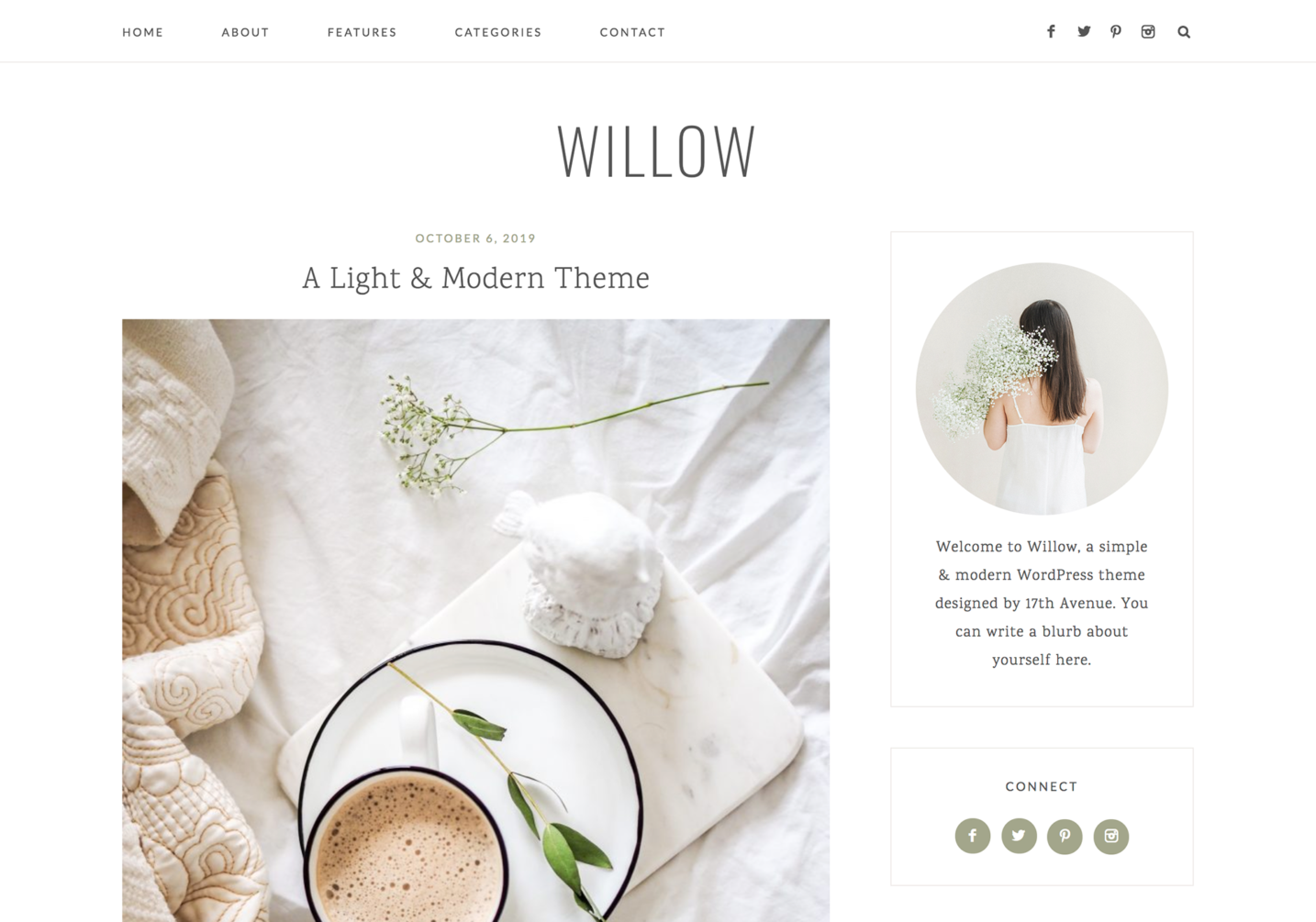
17th Avenue: 17th Avenue sells premium and simple WordPress themes starting from $49, and I currently use the Willow Theme, The theme was easy to install, and it comes with lifetime support.
Lucy 50 Pinterest Templates: Lynn has a package of 50 Pinterest templates that you access on Canva and then edit with your information. The templates are $10 CAD, they help save time plus they look great. You can also purchase the Nora 50 Pinterest Templates from Lynn for $10 CAD.
45 Pretty Pinterest Templates Starter Kit: Amber created 45 Pinterest templates on Canva that you can purchase for £6.99 and edit to your liking before using them on Pinterest.
Lucy 78 Instagram Highlight Covers Template: Lynn also offers a package of Instagram highlight covers that you download and can customize in Canva before using them on Instagram. The highlight covers are $5 CAD. Lynn also has the Nora 78 Instagram Highlighter Covers Template for $5 CAD.
Lucy 15 Instagram Story Templates: This package is $4 CAD, and it contains 15 templates including “Facts About Me”, “This or That”, “Would You Rather”, and more which you can customize in Canva and then post on Instagram Stories. You can also check out Lynn’s Nora 15 Instagram Story Templates for $4 CAD, which includes “3 Things I’m Grateful For”, “All Time Favorites in Gifs”, and “What’s on My Playlist?” among other templates.
Lucy 2 Page Media Kit Template: As I mentioned earlier, media kits are great if you are wanting to work with brands, and if you are looking for a template to use, I recommend this one from Lynn. The media kit template is $5 CAD, and Lynn also created the Nora 3 Page Media Kit Template, which is also $5 CAD.
Social Media
Pinterest with Ell: This course is taught by Ell who is the founder of Boss Girl Bloggers. The course is $48.75 and teaches you how to set up a Pinterest account, find keywords, use Tailwind, make affiliate sales, and grow blog traffic.
Monetization
Lucy Customizable Invoice Template: Lynn sells a customizable invoice template for $3 CAD that you can download and edit when sending an invoice to a brand. Lynn also created the Nora Customizable Invoice Template, which is also $3 CAD.
General Resources
The Blogger’s Survival Guide by Nic’s Healthy Life: In The Blogger’s Survival Guide, Nicola shares tips and advice she learned over 12 years of blogging. The guide is £4.99 and it includes how to create the right mindset, produce great content, get your blog noticed, monetize your blog, overcome challenges, and come back from a blogging slump.
Yearly Blog Planner by Jordanne Lee Creative: Jordanne created blog planners that help you plan and track your content, stay on top of blogging tasks, and plan your social media content. The planners range in price from £3 to £5.
Weekly To-Do List and Monthly Planner: For another planner option, Lynn has the 2-page weekly to-do list and monthly planner for $2 CAD. The planner will help you get organized and break down your task list.
Lyrical Host: If are you planning on going self-hosted, I highly recommend Lyrical Host. You can read my experience on switching from WordPress.com to WordPress.org with Lyrical Host here. Lyrical Host makes the process of going self-hosted so easy and their customer support is amazing. You can also use my discount code TALES10 to save an additional 10% on all their plans.

Nice list. I have been using a combination of Canva for visuals and Tailwind for scheduling and it has been working well. One thing I would add is that newsletter platforms like ConvertKit have become essential for building a direct relationship with readers. The email open rates are way more reliable than social media reach these days.
This is such a detailed list! I’ve not dedicated much time or effort into Pinterest before, but that is one of my aims this year. So, those recommendations in particular will be very useful for me. Many thanks!
You’re welcome! Pinterest has been helpful at increasing my blog’s views, and I simply just make a pin for each of my posts and call it a day.
This is excellent. Many thank, and a happy new year to you!
Golly! I was so excited to reply, that I forgot to add an extra “s” in that sentence. Anyhoo… many thanks!
Hahaha
You’re welcome & happy new year!
Wauw this is some amazing advice all in in one post!! Love it and I’m definitely going to use your advice!
xoxo Annaleid
http://www.actuallyanna.com
This is SUCH a useful post. Thank you!
Grammarly is saving my bacon in punctuation. I am a decent writer with bad punctuation skills and Grammarly has helped me immensely. Also its good at spellchecking everything too.
This is a fab list and is sure to be useful for blogging beginners! I’ve actually found a few extra tools to use from this post too so thank you for sharing 😊 x
WOW this is Suuper helpful! Love that you have organised all of this for us! Thank you!!
This is indeed a great blog Post to help the other bloggers. I have been using some out of these but I can try more. #journeysays
Great post! I wish I had this when I initially started, but there are things I most definitely start using now too.
I love Canva, Pixabay and Unsplash, but a lot of the rest here are new to me so this is fantastic, I’ll bookmark the post so I can come back and check a few other things out. Brilliant resource, Karalee, incredibly helpful!!
Caz xx
Hi there, this is very useful information for fellow bloggers. Thank you for sharing and tweeting us your post. Your post has now been added to our page
#SupportAFellowBlogger 🙂
This is such a great list. I’m going to bookmark this. Thank you <3
This is an excellent comprehensive list of all helpful things for blogging! I use quite a few of these already but there are some I haven’t come across!
Thank you for sharing.
This is a really comprehensive and useful list – I’ve seen a few going around, but you’ve included so much stuff here (such as Moz) which other people miss out. I’ve found Buffer to be great for social media, and I love Canva and Pixabay too!